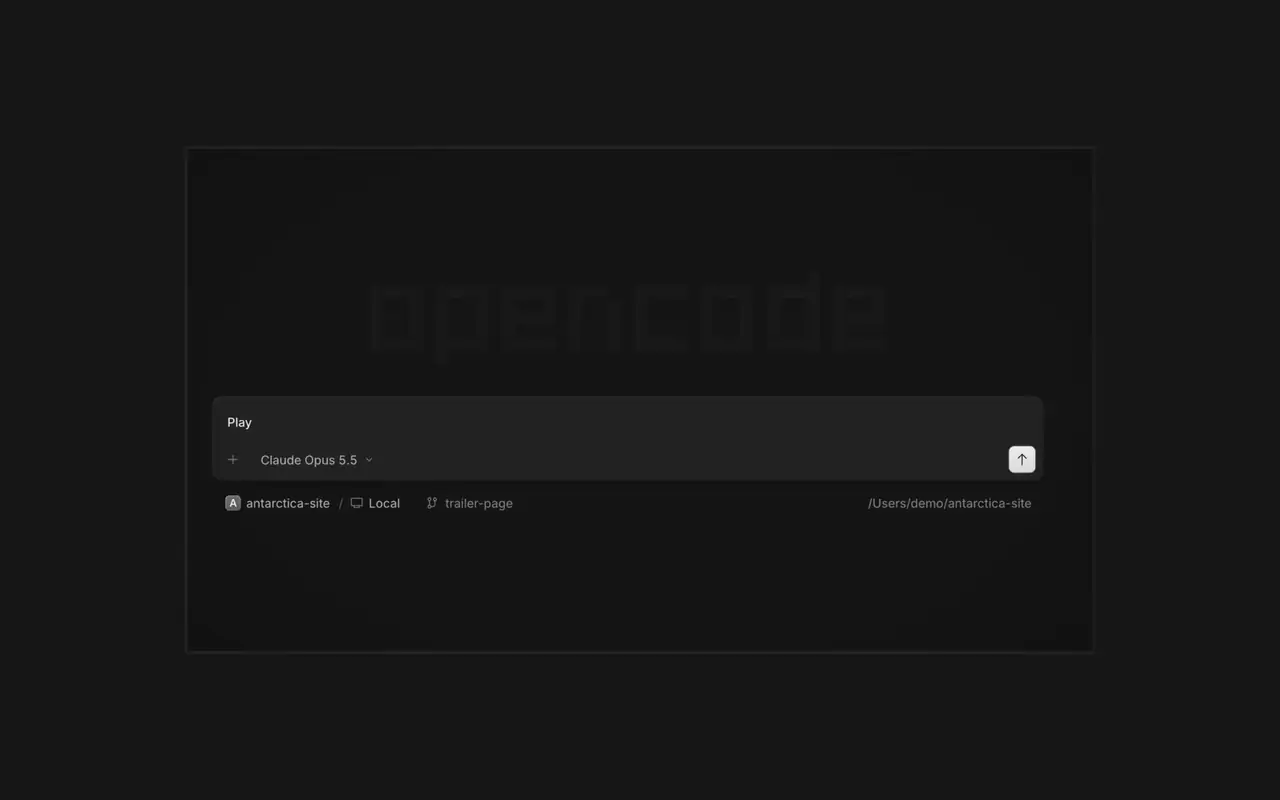

Agenti in parallelo
Avvia tutti gli agenti che vuoi e lasciali lavorare in parallelo. Passa dall'uno all'altro man mano che finiscono.
Avvia tutti gli agenti che vuoi e lasciali lavorare in parallelo. Passa dall'uno all'altro man mano che finiscono.

La tua app si apre in un browser accanto all'agente, così entrambi vedete ogni modifica appena arriva.

Avvia agenti su tutti i tuoi dispositivi e riprendili dall'app desktop, dal terminale o dal telefono.
Collega i tuoi strumenti e servizi così l'agente può lavorare con qualsiasi cosa. Oppure fai creare a OpenCode plugin per sé stesso, con la loro interfaccia nella barra laterale.
Enter in the question dock moves to the next question and submits on the last one. Set Submit question answers with to Cmd/Ctrl+Enter in Settings → Preferences to keep the previous behavior.#66169
Vedi tutte le novità principali di v2.4.2/rename with no title generates a new title, and /rename <title> sets one.#66396/btw AnswersWhen a side question finishes behind another side-panel tab, its tab shows an unread dot until you open it.#65821
Vedi tutte le novità principali di v2.4.1Import your sign-ins and browsing history from Chrome, Edge, Firefox or Safari, and add extensions from Chromium browsers or the Chrome and Edge stores. Everything stays in one persistent desktop profile: chat links open signed in, your tabs survive restarts and the agent can read and drive the same pages without you switching apps.#63002#65073
On Windows, the taskbar button shows session progress, counts sessions that need you and flashes when a permission or question is waiting.#65317#65318#65319
Mod+Enter. Depending on your follow-up setting, they send, steer or queue.#65264opencode://open-project and opencode://new-session links doing nothing.#65332~/Downloads/clip.mp4 showing "File not found". ~ now opens in the server's home folder.#65689